Trezor Safe 3 Review 2026: Is It Better Than the Model One?
You know, there is an old saying in crypto: “Don’t trust, verify.”
In an industry full of anonymous founders and shady backroom deals, Trezor has always been the one brand standing in the middle of the room with its pockets turned out, saying, “Look, we have nothing to hide.”
It was the first hardware wallet ever created. I remember buying one back in the day—it felt like owning a piece of alien technology. But for years, Trezor had a problem. Their cheap model (Model One) felt like a toy, and their expensive model (Model T) was overpriced.
Enter the Trezor Safe 3.
Released recently, this device promises to fix everything. It has the affordability of the old models but finally adds the high-security chips we wanted. But is it actually good?
I have spent the last month testing the entire lineup—from the $59 budget classic to the fancy new Safe 5 touchscreen. Honestly? I think the Safe 3 might be the best wallet they have ever made.
If you are looking for a Trezor Safe 3 review that cuts through the marketing fluff, grab a coffee. We need to talk about why this $79 device is likely the only wallet you will ever need.
Key Takeaways
- The Sweet Spot: The Trezor Safe 3 ($79) is the new gold standard. It replaces the old Model One by adding a “Secure Element” chip, making it physically unhackable.
- The Flagship: The Trezor Safe 5 ($169) is beautiful with its color touchscreen and haptic feedback, but it doesn’t offer better security than the Safe 3. You are paying for luxury.
- The Budget Pick: The classic Trezor Model One ($59) is still around. It’s great for Bitcoin, but it struggles with modern altcoins like Solana and Ripple.
- Security: Trezor is the only major brand that is 100% open-source. Anyone can audit their code. This is huge for privacy.
- The Verdict: Skip the Model One. Spend the extra $20 for the Safe 3. It supports more coins and is infinitely safer if stolen.
1. The Models: Which One Is Actually For You?
Trezor’s lineup used to be confusing. Now, it’s actually pretty clear. Let’s break down where the Trezor Safe 3 fits in.
Trezor Safe 3 ($79): The New Standard
- Vibe: The armored tank.
- Best For: 90% of people reading this.
- Why I Love It: It keeps the simple two-button design but adds an EAL6+ Secure Element. It also supports all the coins (XRP, SOL, ADA), which the older Model One couldn’t do. It comes in cool colors like “Cosmic Black” and “Solar Gold.”
Trezor Safe 5 ($169): The Luxury Upgrade
- Vibe: The modern smartphone.
- Best For: Power users and people with large hands.
- Why I Love It: It has a massive color touchscreen made of Gorilla Glass. It uses “Haptic Feedback,” so when you tap the screen, it gives a little vibration click. It feels premium, but functionally, it does the same job as the Safe 3.
Trezor Model One ($59): The Old Guard
- Vibe: The Nokia 3310.
- Best For: Bitcoin minimalists on a tight budget.
- The Catch: It feels cheap (plastic). It does not support XRP, Cardano, or Solana natively without jumping through hoops.
2. Design: Cheap vs. Premium
When you hold the Trezor Safe 3, you notice immediately that it feels denser than the old Model One.
The Build:
It still uses plastic, but the back plate is made of aluminum (on some versions) or high-quality polycarbonate. It doesn’t feel like a toy anymore. The buttons have been moved to the side, similar to a GameBoy Advance. They are clicky and impossible to press by accident.
The Screen:
It’s a monochrome (black and white) OLED. It’s bright and crisp. It’s not a touchscreen—you navigate using the physical buttons. Personally? I prefer this. Touchscreens on wallets can be finicky. Buttons never fail.
3. Security: The “Secure Element” Upgrade
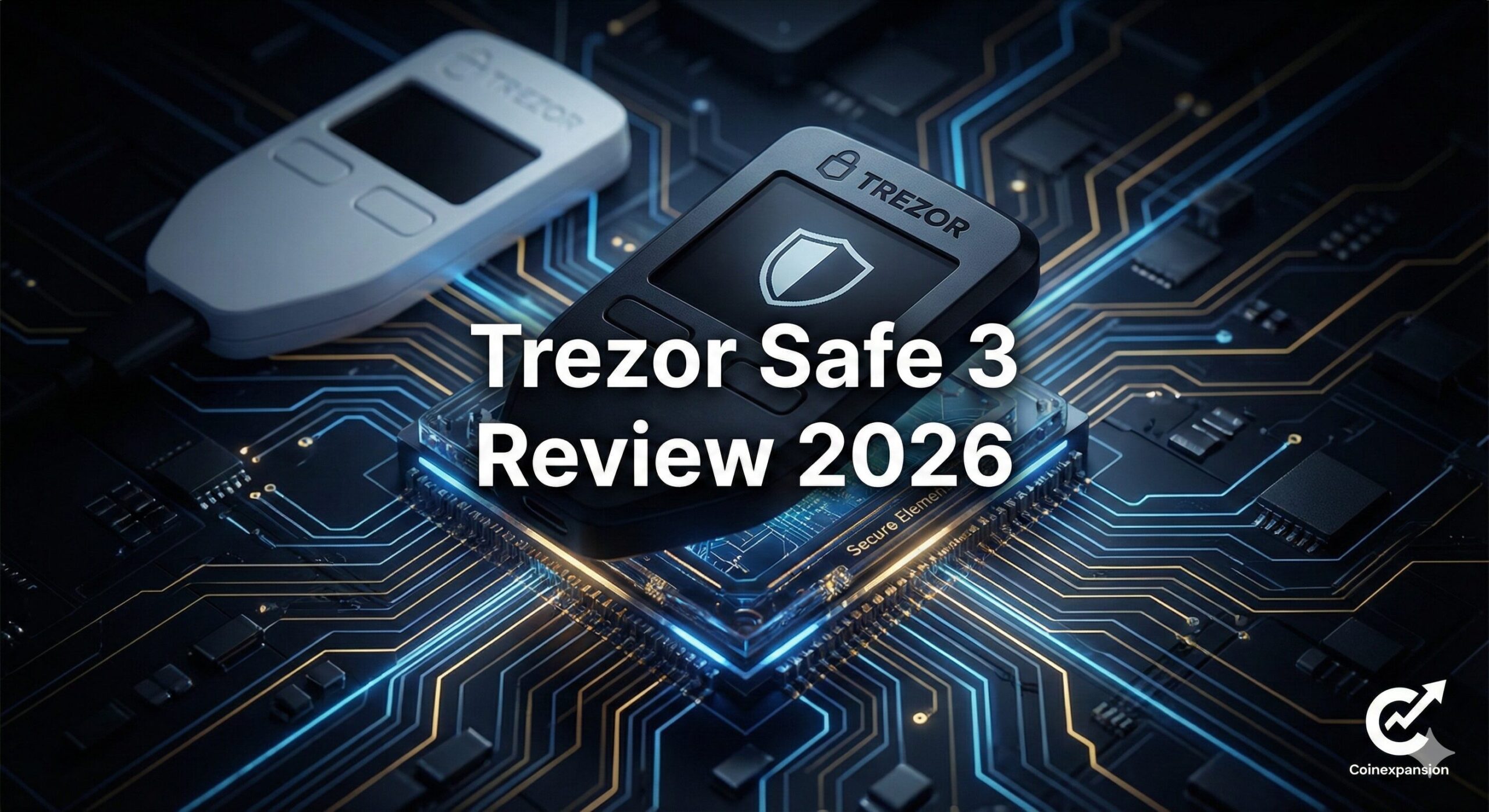
This is the most important part of this Trezor Safe 3 review. For a decade, people criticized Trezor for lacking a “Secure Element” (a dedicated security chip).
What changed?
The Safe 3 finally adds an EAL6+ Secure Element.
- Before (Model One): If a super-hacker stole your physical device, they could theoretically extract the keys using advanced electrical attacks.
- Now (Safe 3): The keys are protected by the same grade of chip used in credit cards. Even if they have the device, they can’t get in.
Open Source + Hardware Hardening:
This is why Trezor is winning in 2026. They are the only company combining Open Source Code (transparency) with Secure Hardware (protection). You don’t have to trust them; you can verify the code, but you also get the physical protection of a bank vault.
4. Coin Support: Finally, Solana and XRP!
This was the biggest annoyance with the old Trezors. If you bought a Model One, you couldn’t store Ripple (XRP) or Solana (SOL) easily.
The Trezor Safe 3 fixes this completely.
It supports over 8,000 coins and tokens natively in the Trezor Suite app.
- Bitcoin (BTC)
- Ethereum (ETH)
- Solana (SOL)
- Cardano (ADA)
- Ripple (XRP)
If you are an “Altcoin Hunter,” you no longer need to buy the expensive touchscreen model. The $79 Safe 3 handles everything.
5. Software: The Trezor Suite Experience
Hardware is useless if the app sucks. Thankfully, Trezor Suite is fantastic.
The Dashboard:
It’s clean, dark, and modern. It shows your portfolio graph, your assets, and a big “Send/Receive” button. It doesn’t scream “Crypto Bro.” It looks like a professional banking app.
Staking:
You can earn interest directly in the app.
- Ethereum: Stake ETH via Lido or Rocket Pool.
- Cardano: Delegate ADA directly.
- Solana: Stake SOL easily.It’s seamless. You just click “Stake,” and the rewards start rolling in.
Privacy (Tor):
Trezor Suite has a toggle switch to route all your traffic through the Tor Network. This masks your IP address. It means your ISP (Internet Service Provider) doesn’t even know you are using crypto. For privacy geeks, this is a godsend.
6. Setup Guide: 15 Minutes to Freedom
Setting up a Trezor in 2026 is shockingly easy. I timed it on the Trezor Safe 3, and it took roughly 14 minutes.
Step 1: The Unboxing
Check the holographic seal on the USB port. If it looks peeled or broken, stop. Do not use the device.
Step 2: Install Trezor Suite
Go to trezor.io/start. Download the app. Never click a sponsored link on Google.
Step 3: Firmware Check
Plug in the device. The app should say “No Firmware Installed.” This proves the device is fresh from the factory. Click “Install.”
Step 4: The Wallet Creation
Choose “Standard Backup” (12 words).
- The device will show you 12 words:
army,castle,breeze… - Write them down on the card.
- Never type them into your computer.
Step 5: Set a PIN
Choose a strong PIN code. You are done!
7. Comparison Table: The Family Tree
| Feature | Trezor Model One | Trezor Safe 3 | Trezor Safe 5 |
| Price | ~$59 | ~$79 | ~$169 |
| Screen | Tiny Monochrome | Bright Monochrome | Color Touchscreen |
| Secure Chip | ❌ No | ✅ Yes (EAL6+) | ✅ Yes (EAL6+) |
| Altcoins (XRP/SOL) | ❌ No | ✅ Yes | ✅ Yes |
| Backup Type | Standard Only | Standard & Shamir | Standard & Shamir |
| Best For | Bitcoin Only | Best Value | Luxury / Pros |
8. Pros and Cons: The Honest Truth
Pros:
- Value: At ~$79, the Safe 3 is arguably the best secure wallet on the market.
- Security: Combines Open Source transparency with a Secure Element chip.
- Coin Support: Finally supports modern chains like Solana natively.
- Design: The new colors and physical buttons feel great.
Cons:
- No iOS: If you use an iPhone, you are out of luck. Trezor does not work with iOS due to Apple’s USB restrictions. You need Android or a computer.
- Screen Size: The Safe 3 screen is small. It’s functional, but not luxurious.
The Verdict: Which One Should You Buy?
If you are debating between the models, here is my final advice for 2026.
The Winner:
It destroys the Model One. For just $20 more, you get the Secure Element (making it unhackable) and support for Solana and XRP. It is the perfect balance of price and performance.
The Luxury Pick:
Only buy this if you have the budget and hate physical buttons. The touchscreen is nice, and the haptic feedback is cool, but it doesn’t make your money any safer than the Safe 3.
The Budget Pick:
Skip the Model One
Unless you literally only have $60 to your name, save up the extra $20 for the Safe 3. The security upgrade is worth it.
Frequently Asked Questions (FAQ)
Q: Is the Trezor Safe 3 better than the Ledger Nano S Plus?
A: It’s a close call. The Safe 3 is open-source, which some people prefer. The Ledger Nano S Plus has a slightly better screen. Both are excellent.
Q: Can I use the Safe 3 with an iPhone?
A: No. Trezor devices do not work with iPhones. You need an Android phone or a laptop (Windows/Mac/Linux).
Q: What is Shamir Backup?
A: It’s a feature on the Safe 3 and Safe 5 that lets you split your recovery phrase into multiple lists (shares). You can hide them in different locations. If one gets stolen, your wallet is still safe.
Q: Does the Safe 3 have a battery?
A: No. It draws power from your computer when plugged in. This is good because there is no battery to degrade over time.