Best Crypto Storage Options for Beginners: Finding the Safest Crypto Wallet Option for 2026
We all know the panic. You finally buy some Bitcoin, you see the number go up, and then you realize you have no idea where to actually put it. Leaving it on an exchange feels easy, but deep down, you know it’s risky. You need the safest crypto wallet option to store your coins for the long term
In crypto, “Not your keys, not your coins” isn’t just a catchy phrase; it’s the golden rule. If an exchange goes bankrupt (and they do), your money is gone. But moving your money to a private wallet feels like trying to fly a spaceship when you just wanted to ride a bike.
And here is the catch: You don’t need to be a tech genius. I have tested dozens of wallets, from the free apps to the expensive USB vaults, and found the ones that are actually easy to use.
These are the best crypto storage options for beginners that balance safety with sanity. Honestly, it’s kind of like choosing between a pocket wallet and a heavy-duty safe. Both have a purpose, but you wouldn’t keep your life savings in your jeans, right?
Key Takeaways
- The “Bank” Trap: Exchanges are convenient, but you don’t own the money. Use them for trading, not saving.
- Hot vs. Cold: Software (Hot) wallets are free and fast. Hardware (Cold) wallets are slow but unhackable. Check out Hot Wallet vs Cold Wallet: The Ultimate Guide for Beginners (2026)
- The Golden Rule: Your “seed phrase” (12 words) is your money. If you lose it, no customer support can save you. Check out Best Seedless Crypto Wallets 2026: No More Recovery Phrases
- Top Pick: The Ledger and Trezor Safe 3 are the winners for pure security on a budget in 2026.
The safest crypto wallet option for beginners to store coins
1. Trezor Safe 3 (The Modern Vault)
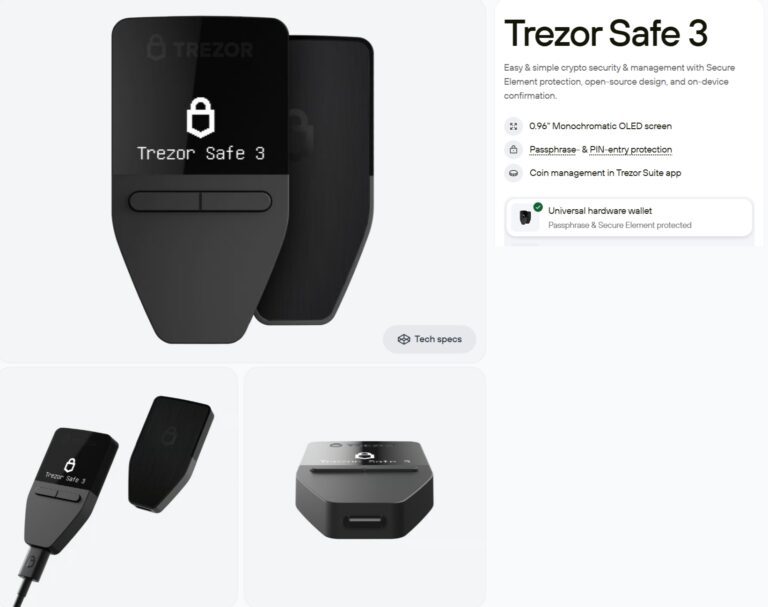
This is the ultimate safest crypto wallet option for those who want high-end security without the “designer” price tag. It’s the “rugged SUV” of wallets, reliable and built for safety.
There are two more models offered by Trezor. Trezor Safe 5 ($129), and Trezor Safe 7 ($249)
Security Features
Includes a certified Secure Element (EAL6+) chip to protect against physical hacking. It’s fully open-source, so the community constantly audits the code.
Interface
Pairs with the Trezor Suite (Desktop/Mobile), which is super clean and guides you through every transaction.
Crypto Supported
Native support for 10000+ coins. Trezor supports a range of cryptocurrencies from established coins like Bitcoin, Ethereum, and Solana to your favorite meme coin.
Trading Option
Built-in exchange via the app (powered by partners like Invity) for instant swaps.
Earning Option
Supports native staking for coins like Ethereum directly in Trezor Suite.
Pros & Cons
- Pros
- Open Source: The code is public, allowing the community to verify its safety.
- Touchscreen: Entering your PIN on the device screen is much safer than on a computer.
- Reputation: It has a long, proven history of reliability in the market.
- Cons
- No iOS Support: It is less mobile-friendly for iPhone users compared to Ledger.
- Plastic Build: It feels lighter and less “premium” than metal competitors.
- Trezor Safe 3 does not support Bluetooth. You have to use a USB cable to connect.
Buy Trezor wallet at 20% discount
Check out the Trezor wallet review
2. Ledger Nano S Plus (The Trader’s Choice)
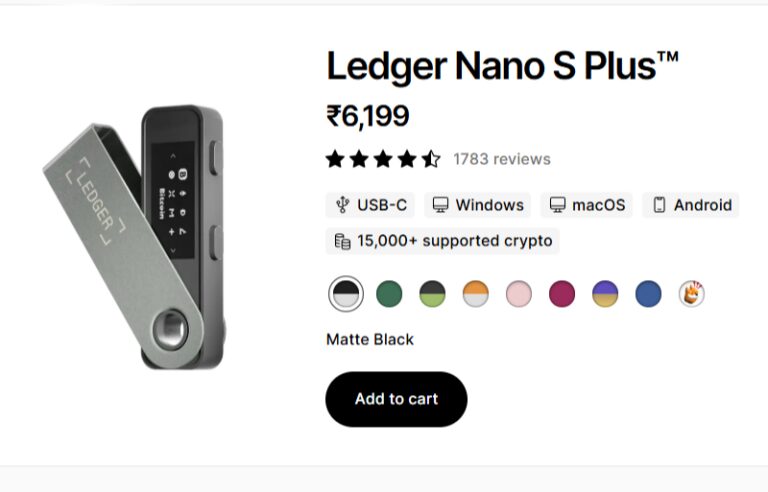
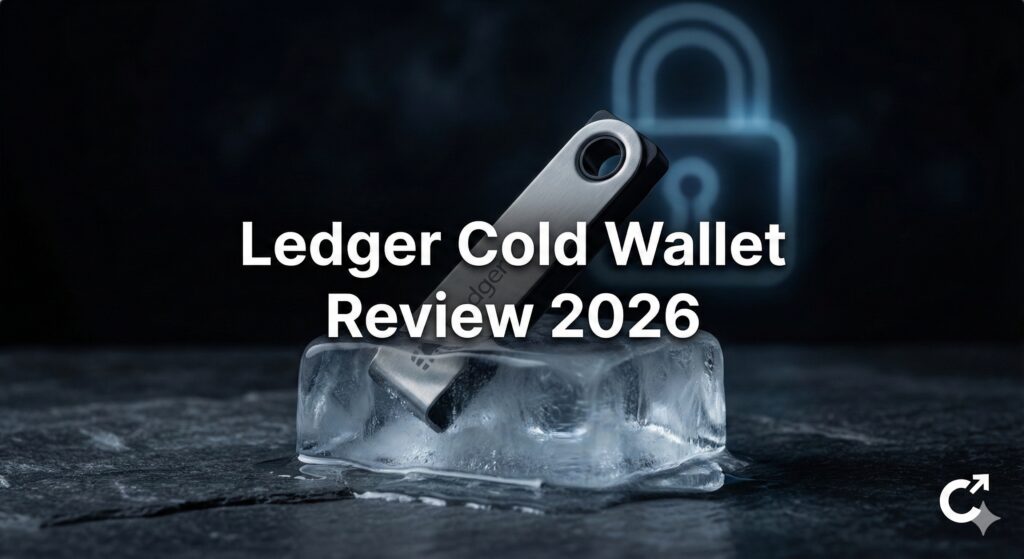
Ledger remains the most popular and safest crypto wallet option because of its massive “app store” ecosystem. It’s the “Swiss Army Knife” of crypto. If a new crypto app launches, you can bet it supports Ledger on day one. Ledger is, without a doubt, one of the best hardware wallets in the Crypto wallet industry.
Ledger ecosystem offers four more models: Ledger Stax ($399), Ledger Flex ($249), Ledger Nano Gen5 ($149), Ledger Nano X ($119)
Security Features
Uses the proprietary BOLOS operating system and an EAL5+ certified secure chip.
Interface
Ledger Live is the gold standard for management software. It feels like a professional banking app.
Crypto Supported
Ledger supports over 13000 coins and tokens.
In addition to blue-chip coins like Bitcoin, you can also find a range of other types of coins like AI coins, Gaming coins, Layer2 coins, Depin crypto, RWA Coins, Exchange Tokens, and stable coins in their own specific category. If a coin exists, Ledger probably supports it.
Trading Option
Integrated with multiple providers (like MoonPay and Changelly) for buying, selling, and swapping.
Check out The Cheapest Ways to Buy Crypto Instantly in 2026 (Stop Wasting Money!)
Earning Option
Industry-leading staking options (ETH, DOT, ADA) with clear reward tracking. Ledger also allows Crypto lending
Pros & Cons
- Pros
- Huge Coin Support: It works with practically every token you can think of.
- Bluetooth Connectivity: The Nano X connects wirelessly, giving it a modern feel.
- Secure Element Chip: Bank-grade security chips protect against physical tampering.
- Cons
- Closed Source: You cannot inspect the firmware code yourself, so you must trust Ledger.
Read Ledger wallet review 2026
3. Binance Web3 Wallet (The All-in-One Gateway)
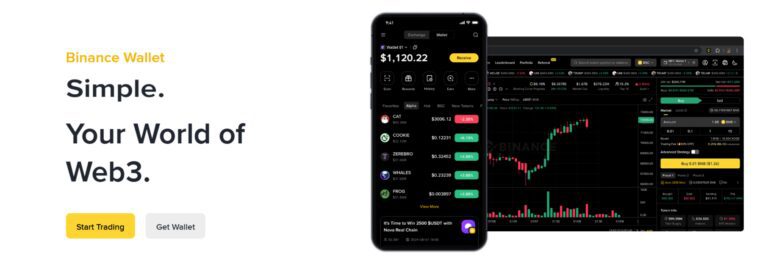
Binance is primalirly a world’s biggest trading exchange, offering a myriad of features. Binance offers cold storage services using MPC technology, meaning there is no single “seed phrase” for a hacker to steal from your nightstand.
Security Features:
Uses MPC (Multi-Party Computation) to split your private key into three “shards.” You hold two, and Binance holds one for recovery.
Interface
Integrated directly into the main Binance app very convenient if you already trade there.
Check out Crypto Trading for Beginners Guide 2026: The Ultimate A-Z Handbook
Crypto Supported
Supports 13,000+ tokens across 30+ blockchains.
Trading Option
Direct access to Binance’s deep liquidity and DEX aggregators for the best swap prices.
Earning Option
Deep integration with “Binance Earn” and various DeFi yield protocols.
Pros & Cons
Pros:
- No seed phrase to lose
- Incredibly easy to fund from your exchange account.
Cons
- Higher “centralization” feel
- Requires a Binance account
Sign up using this link to claim a $100 voucher and 20% fee rebate for lifetime
Visit Binance exchange review 2026
4. SecuX V20 (The Premium Protector)
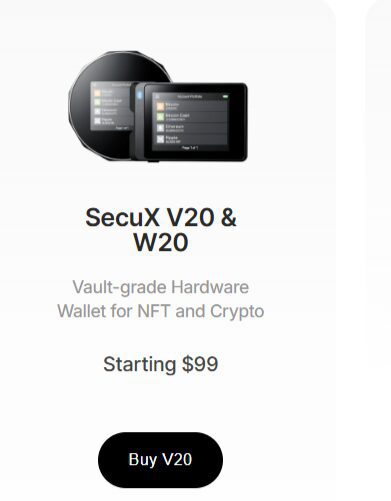
When you want the best crypto storage options with a massive screen, the V20 is the heavy hitter. It feels like holding a high-end piece of jewelry.
Secux offers 4 models SecuX V20 & W20 (Starting $99), secux W10 (cheapest Starting $59), SecuX Nifty & Neo series ($199)
Security Features
Military-grade Infineon CC EAL5+ Secure Element chip. It’s “vault-grade” and tamper-proof.
Interface
Features a huge 2.8-inch color touchscreen for easy “clear-signing” (seeing the whole address at once).
Crypto Supported
Massive support for 10,000+ coins, tokens, and even NFTs.
Trading Option
Supports swaps through the SecuXess web and mobile apps.
Earning Option
Limited native staking; best used for long-term holding.
Pros & Cons
- Pros
- Massive Screen: The large touchscreen makes it easy to verify addresses.
- Dual Connectivity: It works seamlessly with both USB and Bluetooth.
- Cross-Platform: Works smoothly on Windows, Mac, iOS, and Android.
- Cons
- Size: Its awkward shape makes it hard to carry in a pocket.
- Basic UI: The interface is not as polished as Ledger Live.
Buy Secux Wallet at 10% discount using the link
Use code – coinexpansion or buy using the above link (discount will be applied automatically)
5. Matamask Wallet (The Beautiful Middle Ground)
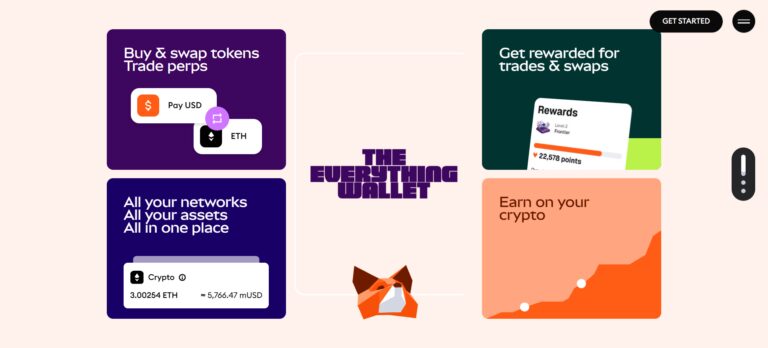
If you are looking for the best crypto storage options that don’t cost a dime, Matamask is it. It’s like the “Apple” of wallets.
MetaMask is your passport to the decentralized web. It connects to almost every dApp and NFT marketplace. For maximum safety, pro users connect their Ledger to MetaMask.
This combines the convenience of the safest crypto wallet app with hardware security.
Interface
It lives in your browser or on your phone. The interface is simple, but it can get confusing when you start adding custom networks. It’s the standard key that unlocks the door to Web3 websites.
Security
It is a “hot” wallet, so it is always connected to the internet. This makes it vulnerable to phishing attacks. However, it allows you to adjust spending limits for sites, which helps mitigate risk.
Earning Features
MetaMask has a “Portfolio” dApp where you can stake Ethereum directly. You can also connect it to literally any DeFi protocol in the world for yield farming, making it the most versatile of all types of crypto wallets for earning.
Number of Coins Supported
Supports Ethereum and all EVM (Ethereum Virtual Machine) compatible tokens (thousands).
Pros & Cons
- Pros
- Universal Access: It works with almost every dApp in existence.
- Hardware Support: Connects easily to Ledger/Trezor for added safety.
- Custom Networks: Allows you to manually add almost any blockchain.
- Cons
- Phishing Risk: As a “hot wallet”, it’s still vulnerable to computer malware.
- Confusing for Newbies: Managing gas fees and networks can be tricky.
Checkout MetaMask Wallet Review 2026
Step-by-step method to move your $100 coins from an exchange wallet to a hardware wallet.
Step 1: The “Clean House” Setup
Before you even touch your crypto, make sure your environment is safe.
- No Public Wi-Fi: Don’t do this at a coffee shop! Use your home network or a mobile hotspot.
- Update Everything: Ensure your phone or laptop and your wallet app (like Exodus or Trezor Suite) are running the latest versions.
Step 2: Generate Your “Receive” Address
Open your wallet (let’s say you’re using Exodus or your Trezor Safe 3).
- Click on the coin you want to move (e.g., Bitcoin).
- Click the “Receive” button.
- The Golden Rule: A long string of random numbers and letters will appear. Always copy and paste it. Never, ever try to type it out by hand. One wrong “O” instead of a “0” and your money is gone forever.
Step 3: The Exchange Withdrawal
Now, log in to your exchange (like Binance).
- Go to your “Wallet” or “Spot Account” and hit “Withdraw.”
- Select your coin and paste the address you just copied.
- Check the Network: This is where people mess up! If you’re moving Bitcoin, make sure the network selected is “Bitcoin.” If it’s Ethereum, use “ERC-20.” Sending coins on the wrong network is like mailing a letter to the right house but in the wrong country.
Step 4: The “$5 Test” (Don’t Skip This!)
Even though we’re only moving $100, I still recommend a test run.
- Instead of the full $100, send the minimum allowed (usually $5–$10).
- Wait for it to show up in your wallet. It might take 10 to 30 minutes.
- Once you see those few dollars land safely, you’ll feel a massive wave of relief. Now you know the bridge is safe.
Step 5: Send the Rest
Now that the test worked, go back and send the remaining $90-ish using the same process.
- Double-check the address one last time (look at the first 4 and last 4 characters).
- Confirm the transaction.
- Close the app and go grab a coffee. You’re officially in control of your wealth!
Conclusion: The Saver’s Mindset
Picking a wallet isn’t about buying the most expensive gadget; it’s about being able to sleep at night. Have you ever had that “did I leave the stove on” feeling? That’s what a bad wallet setup feels like.
My strategy is simple: I use Binance or Metamask for my “walking around money” because it’s fast and pretty. But my life savings? That goes straight to my Ledger.
I treat that Ledger like a black hole, money goes in, and it doesn’t come out until I retire. By mixing the best crypto storage options with the safest crypto wallet option for long-term holding, you get the best of both worlds. You stay flexible, you stay secure, and most importantly, you stay in control.
Frequently Asked Questions (FAQ)
Q: Is a hardware wallet really worth the money?
Q: What happens if I lose the physical device?
A: You don’t lose your money! You just buy a new device, type in your recovery phrase, and your money reappears. The device is just a remote control; the money stays on the blockchain.
Q: Can I use multiple wallets?
A: Absolutely. Most smart investors use a hot wallet for trading and a safest crypto wallet option like Ledger to hold crypto for the long term
Q: What are the best crypto storage options for total beginners?
A: Start with Metamask or the Binance Web3 Wallet. They are free, visual, and teach you the ropes without costing you a dime. When your portfolio grows, graduate to a safest crypto wallet option like the Trezor Safe 3 or Ledger Nano S Plus