The Ultimate Guide to Setting Up a “Burner Wallet” (Don’t Get Drained)
If you read my guide on Airdrop Hunting, you know that the secret to free money is testing new, unproven apps. But here is the scary part. Testing new apps is dangerous. One wrong click, one bad signature, and your entire life savings can vanish in seconds. It’s called being “drained,” and it happens to pros, not just beginners.
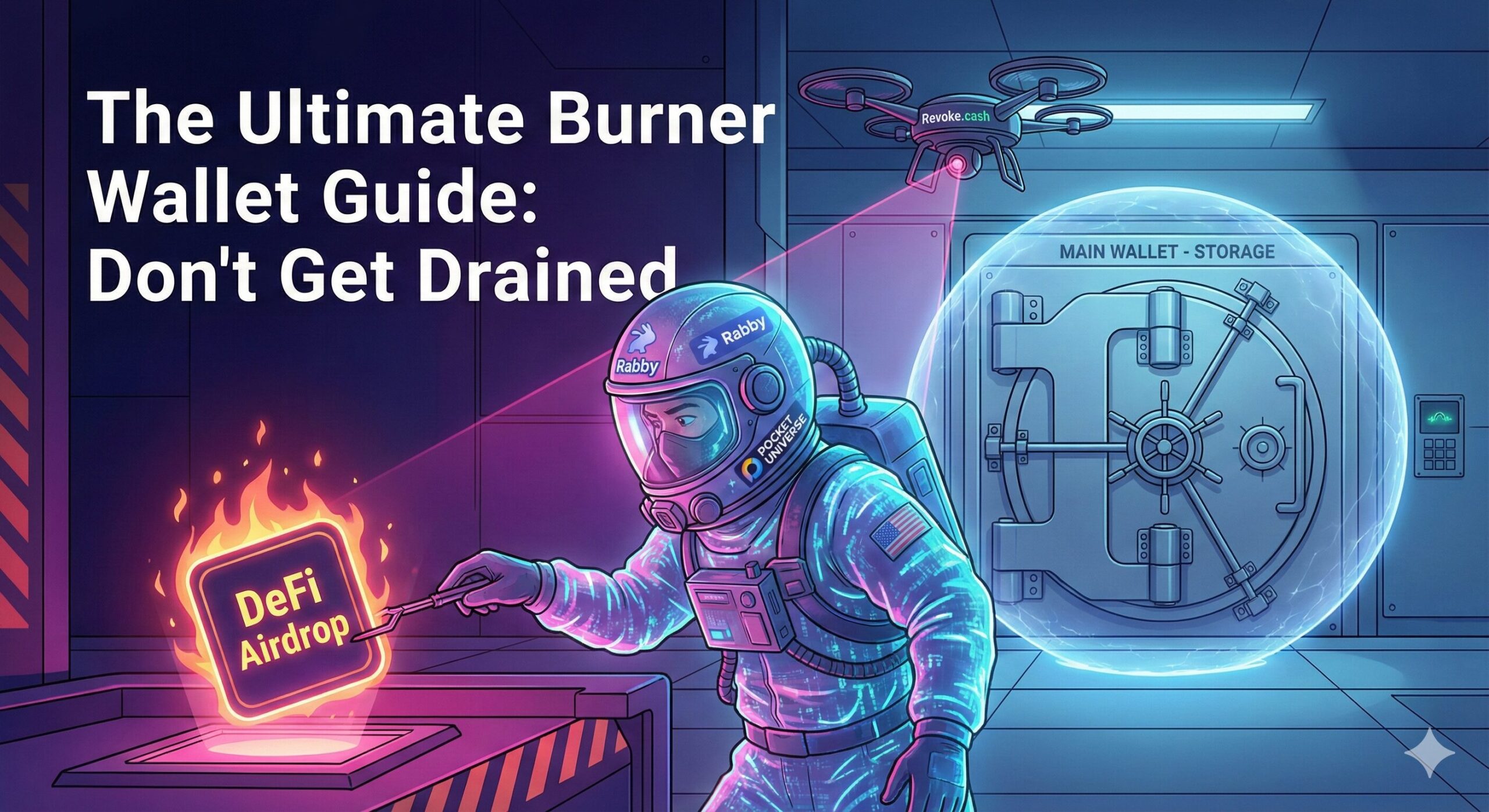
The solution is the Burner Wallet. Think of a Burner Wallet like a Hazmat suit. You put it on to go into the radioactive zone, do your work, and if it gets contaminated, you just throw it away. Your actual body—your Main Wallet—stays safe at home. In 2026, you cannot survive without one. Here is the exact, step-by-step technical setup I use to interact with sketchy contracts without losing sleep.
Key Takeaways
- Isolate Your Funds: Never connect your main savings wallet to a new app. Use a Burner with only $50-$100 inside.
- The “Smart” Stack: Stop using raw MetaMask. The 2026 standard is Rabby Wallet combined with Pocket Universe.
- Trust No One: Even “legit” links can be hacked. Always simulate the transaction before signing.
Phase 1: The Software (Rabby vs. MetaMask)
For years, MetaMask was the king. But for a Burner Wallet in 2026, I strongly recommend Rabby Wallet. Why Rabby? Because it speaks human. Instead of showing you a wall of code like “0x5f7…”, Rabby says, “You are sending 50 USDC to this contract.” It also automatically checks if the contract you are interacting with has been flagged as a hacker and switches networks automatically.
Step 1: Download the Rabby Wallet extension for Chrome or Brave. Step 2: Create a New Seed Phrase. This is crucial. Do NOT import your main wallet’s seed phrase. Create a brand new one. This is your “Dirty” wallet. Step 3: Label this wallet clearly in the app as “BURNER – HIGH RISK” so you never confuse it.
Phase 2: The “Bodyguard” (Pocket Universe)
This is the most important tool you will ever install. Pocket Universe is a free browser extension that pops up before your wallet. It simulates the transaction to show you exactly what will happen.
Imagine you click “Mint NFT” on a website. Without Pocket Universe, MetaMask pops up, you click confirm, and it turns out it was a drainer. You lose your ETH. With Pocket Universe, a window pops up saying: “WARNING: This transaction will transfer ALL your assets to the scammer. Do not sign.”
To set it up, just go to the Chrome Web Store, install Pocket Universe, and pin it to your browser bar. That’s it. It runs automatically in the background.
Phase 3: The Funding Workflow
Now you have a wallet, but it’s empty. How do you get money into it without linking it to your main wallet? You need to use the “Exchange Bridge” method.
Don’t send ETH directly from your Main Wallet (Ledger) to your Burner. If you do, anyone looking at the blockchain can see they are connected. Instead, send ETH from your Main Wallet to an exchange like Coinbase or Binance. Then, send that ETH from the exchange to your Burner Wallet. The exchange acts as a mixer, breaking the on-chain link between your life savings and your degen activities. Also, never keep more than $100 in your Burner. If you hit a big airdrop, move the profits out immediately.
Phase 4: The Maintenance Routine
When you use an app like Uniswap, you often have to sign an “Approve” transaction. This gives that app permission to spend your tokens. If you don’t revoke that permission, they have access to your wallet forever.
Make this a weekly habit. Go to Revoke.cash, connect your Burner Wallet, and look for any “Unlimited” allowances. Click Revoke on anything you aren’t currently using. It costs a few cents in gas, but it closes the door so hackers can’t get back in later.
Frequently Asked Questions (FAQ)
Q: Can I use a Ledger as a Burner Wallet? A: You can, but it’s annoying. You have to physically click buttons on the device for every tiny transaction. A software wallet like Rabby is much faster for airdrop hunting. Use the Ledger for storage, not hunting.
Q: Is Pocket Universe free? A: Yes, the core protection is free. They have a premium tier, but for 99% of users, the free version protects you from all known drainers.
Q: What if I accidentally connect my Main Wallet to a scam site? A: Disconnect it immediately. Then, go to Revoke.cash and revoke ALL permissions. Finally, consider moving your funds to a fresh wallet just to be safe.
Q: Does this work for Solana too? A: Rabby is for EVM chains like Ethereum and Base. For Solana, use Phantom Wallet (which has similar built-in simulation features) or install the Blowfish security extension.