Hot Wallet vs Cold Wallet: The Ultimate Guide to Your 2026 Hot Wallet and Cold Wallet Strategy
I remember when I first bought a tiny bit of Bitcoin. I felt like I was holding a piece of digital gold, but I had no idea if I should put it in a digital pocket or a digital safe. It’s kinda scary at first, right?
If you feel like you’re trying to fly a spaceship when you just wanted to ride a bike, don’t worry, you aren’t alone. Let’s make this super simple. To find the best crypto storage option, you just need to know the difference between Hot wallet and Cold wallet.
It sounds super technical, almost like something out of a spy movie. But it’s actually pretty simple once you strip away the jargon.
When I first started, I spent days reading Reddit threads where people were shouting about “air gaps” and “multisig.” Honestly, I almost quit.
I don’t want you to quit. So, grab a coffee, and let’s break this down properly. We’re going to look at where you should actually put your money so you can sleep at night without checking your phone every five minutes
Key Takeaways
- The Difference: Hot wallets are online apps (fast but risky). Cold wallets are offline devices (slow but secure).
- The “Pocket” Rule: Treat a hot wallet like the cash in your pocket. Only keep what you are willing to lose.
- The “Vault” Rule: Treat a cold wallet like a bank vault. This is where your life savings go.
- The Hybrid Approach: You don’t have to choose. Most smart investors use a hot wallet for trading and a cold wallet for saving.
- The Golden Rule: Your “Seed Phrase” (12 words) is your money. If you lose it, no customer support can help you.
The Basics: What Actually is a Crypto Wallet?
Before we dive into the fight between hot and cold storage, we need to clear up a massive misconception. This trips everyone up.
When people first heard the word “wallet,” they usually thought of it as a digital folder. I thought my Bitcoin files were stored inside, almost like MP3s on an old iPod.
But that’s not how it works at all. Your crypto doesn’t live in your wallet. It lives on the blockchain, which is just a giant public list of who owns what.
Your wallet is more like a keychain. It holds the “private keys” that let you move money on that list.
If you lose the wallet, you haven’t burned the money. You’ve just lost the key to the safe.
That’s a scary thought, right? But it’s also empowering because it means you’re in total control.
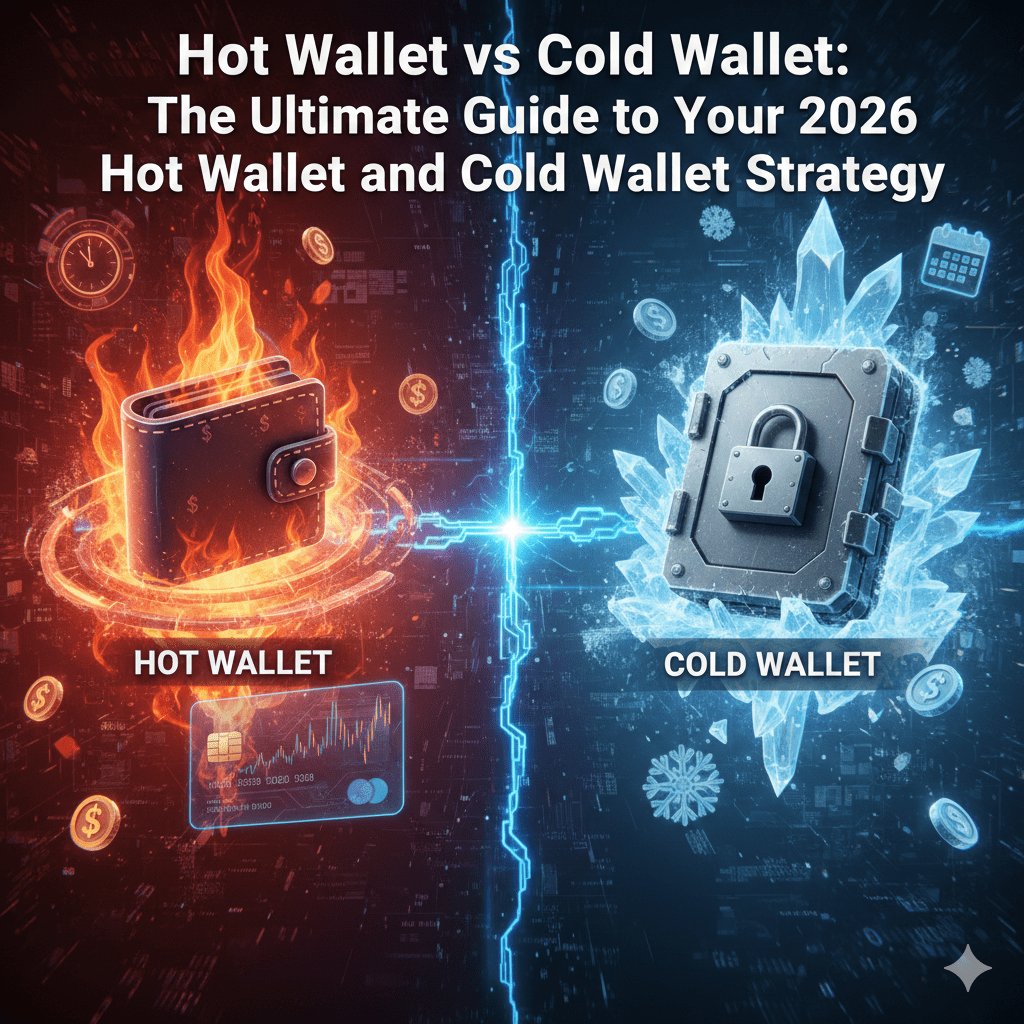
The big question is just where do you want to keep those keys? Do you want them on a device connected to the internet (hot), or on a device sitting in your drawer (cold)?
Check out the 12 Best Crypto Wallets app – types of crypto wallets 2026
The Hot Wallet: Your Digital Pocket
Let’s start with the hot wallet because that’s where 99% of us start our journey. A hot wallet is any wallet that’s connected to the internet.
If you have an app on your phone like MetaMask or Trust Wallet, you’re using a hot wallet. Even if you just leave your money on an exchange like Binance, that counts too.
Why I love them:
- Speed: I use them all the time when I’m trading or buying a coin that just launched.
- Free: It costs absolutely nothing to download and set up.
- Convenience: You just open the app, scan your FaceID, and boom, you’re done.
The Risk: Because it’s connected to the internet, it’s vulnerable. It’s almost like walking around a busy city with your wallet sticking out of your back pocket.
Hackers are always prowling the internet. If you click a bad link or download a fake app, they can drain a hot wallet in seconds.
I have a rule that I stick to religiously. I never keep more in a hot wallet than I would be willing to carry in cash.
The Cold Wallet: Your Personal Vault
Now, let’s talk about the heavy hitters. A cold wallet is hardware. It usually looks like a little USB stick or a car key fob.
Trezor and Ledger are the most popular hardware wallets. The magic here is that it stays offline. It’s not connected to the internet unless you physically plug it in.
I remember when I finally bought my first hardware wallet. I felt so cool, like I was officially a serious investor. But the peace of mind? That was the real game-changer.
Why you need one:
- Unhackable: Since it’s offline, hackers can’t touch it remotely. They’d literally have to break into your house.
- Control: You physically press buttons on the device to approve money leaving.
- Sleep: You stop worrying about exchange bankruptcies or phone malware.
The Downside: It is slow. You have to find the device, plug it in, and type in pin codes. It’s a hassle if you’re in a rush.
But that “hassle” is exactly what keeps you safe. It stops you from making impulse buys, and it stops hackers dead in their tracks.
The Top 4 Best Hot Wallets of 2026
If you’re looking for the best hot wallets, you want a mix of speed and reputation. Here are the ones I actually trust:
1. MetaMask
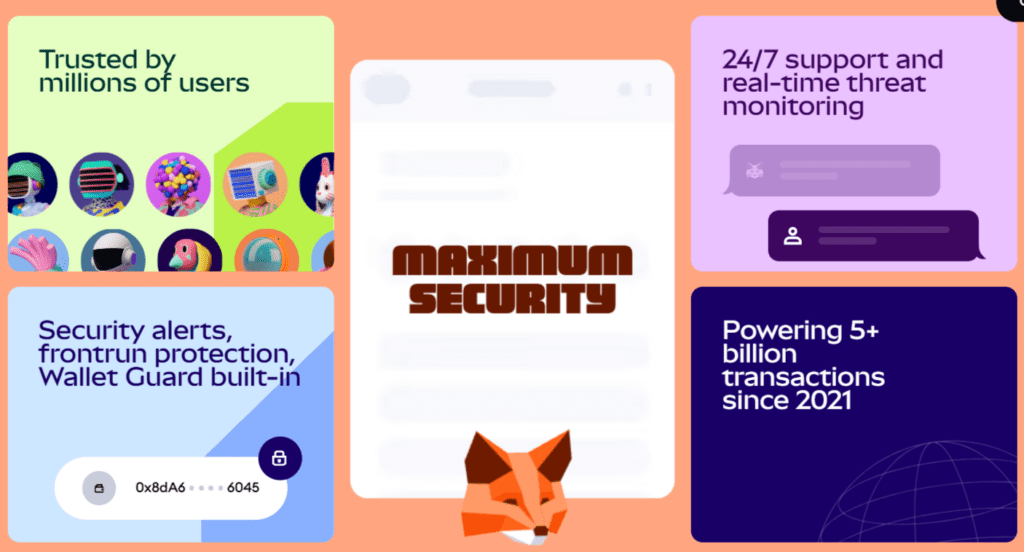
The king of the Ethereum world. MetaMask is your passport to the decentralized web. It connects to almost every dApp and NFT marketplace.
For maximum safety, pro users connect their Ledger to MetaMask. This combines the convenience of the best hot wallets with hardware security.
Security
Uses local encryption and a 12-word seed phrase. However, it lacks native 2FA, making it vulnerable if your device is compromised.
Check out Best Seedless Crypto Wallets 2026: No More Recovery Phrases
Interface
Available as a browser extension and mobile app. It features a sleek “Portfolio” view for tracking assets across chains.
Crypto Supported
Historically focused on Ethereum/EVM, but in 2026, it now natively supports Bitcoin, Solana, and Tron.
Earning Option
MetaMask has a “Portfolio” dApp where you can stake Ethereum directly. You can also connect it to literally any DeFi protocol in the world for yield farming, making it the most versatile of all the best hot wallets for crypto earning.
Pros & Cons
- Pros
- Universal Access: It works with almost every dApp in existence.
- Hardware Support: Connects easily to Ledger/Trezor for added safety.
- Custom Networks: Allows you to manually add almost any blockchain.
- Cons
- Phishing Risk: Being browser-based makes it a high target for scammers.
- Confusing for Newbies: Managing gas fees and networks can be tricky.
Checkout MetaMask Wallet Review 2026
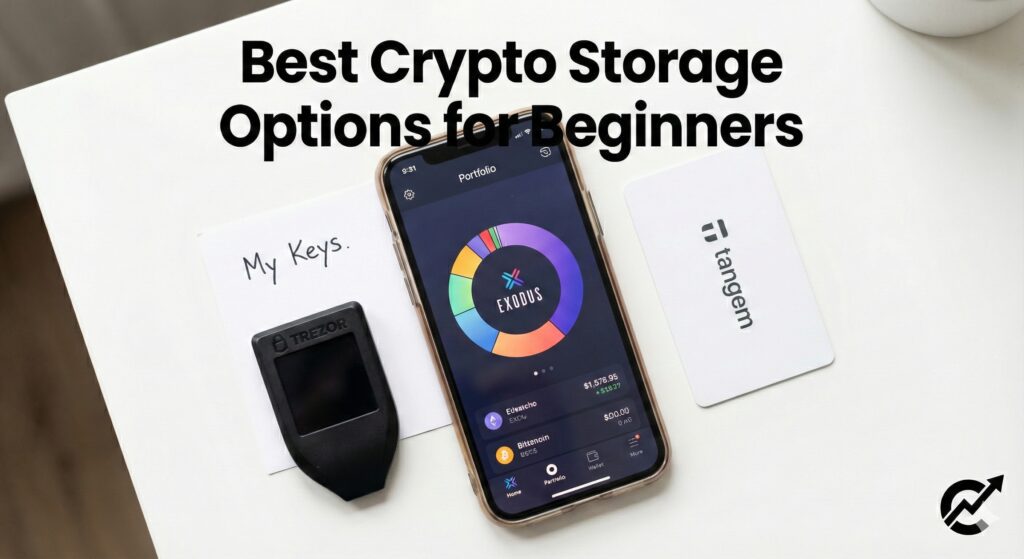
2. Exodus
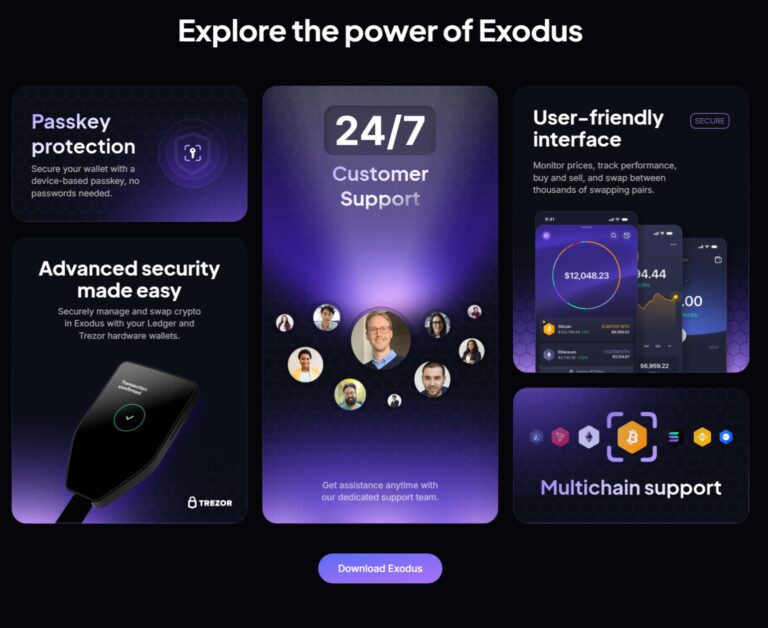
This is my favorite for aesthetic lovers. Its intuitive interface and support of over 250 assets make it one of the best hot wallets in the industry.
Security
Private keys are stored locally on your device. It offers no 2FA because it’s non-custodial, but it supports biometrics on mobile.
Interface
Widely praised for its clean, “dark mode” dashboard and easy-to-read charts. You can buy, sell, and swap coins directly from the app dashboard.
Crypto Supported
Over 260+ coins, including BTC, ETH, SOL, and many altcoins.
Check out 7 Best Solana Wallets 2026 (For Memes, NFTs & Sniping)
Earning Option
Features a dedicated “Rewards” section where you can stake coins like Solana and Cosmos for 5-15% APY.
Pros & Cons
Pros
- Stunning Design: It has arguably the best visual interface in the business.
- Trezor Integration: Perfect bridge between software and hardware wallets.
- Built-in Exchange: You can swap coins instantly without leaving the app.
Cons
- Closed Source: The code isn’t public, requiring trust in the developers.
- High Swap Fees: You pay for the convenience with higher transaction spreads.
3. Trust Wallet
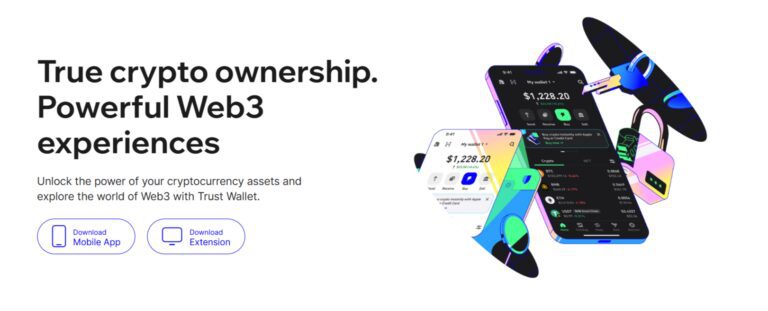
Owned by Binance, this is a multi-chain beast. It handles everything from Bitcoin to Solana and has a built-in browser for decentralized apps.
Security
Non-custodial with biometric locks. In 2026, it features AI-driven security alerts to warn users about “drainer” contracts.
Interface
Mobile-first design that is very snappy and easy to navigate.
Crypto Supported
Massive support for 10M+ assets across 100+ blockchains. One of the best hot wallets for the sheer number of assets it supports.
You find every type of coin, like bluechip coins, meme coins, AI coins, Gaming coins, Layer2 coins, Depin crypto, RWA Coins, Exchange Tokens, and stable coins in their own specific category.
Earning Option
Built-in staking for dozens of coins and easy access to DeFi lending protocols.
Pros & Cons
Pros:
- Incredible coin variety
- Fast mobile experience.
Cons:
- Can feel cluttered for absolute beginners.
4. Binance Web3 Wallet
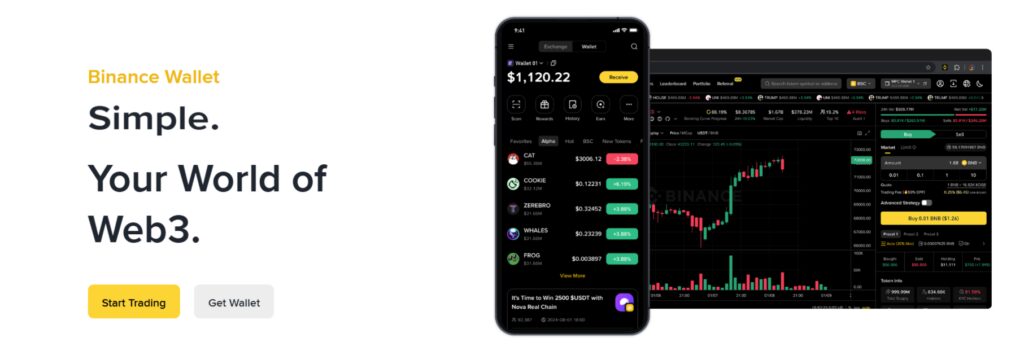
Binance is the world’s largest all-in-one crypto exchange. Its wallet is connected to an entire ecosystem. It is one of the best hot wallet option for active traders. But remember, never treat hot wallets like a savings account.
Security:
Uses MPC (Multi-Party Computation) technology. This means your key is split into three parts, so you don’t have to manage a traditional seed phrase.
Interface:
Built directly into the Binance app for a seamless transition between trading and DeFi.
Crypto Supported:
Supports thousands of tokens across various Layer-1 and Layer-2 networks.
Earning Option:
“Binance Earn” is massive. You have Simple Earn, Dual Investment, Liquid Swap, and Launchpool. Whether you want safe, low-interest returns or risky, high-yield options, they have it all in one menu.
Pros & Cons
- Pros
- Massive Ecosystem: You can do everything in one app.
- Low Fees: Very competitive trading costs.
- Liquidity: You can handle large trades easily.
- Cons
- Regulatory Heat: Faces legal challenges globally.
- Custodial Risk: You don’t hold the keys.
Sign up using this link to claim a $100 voucher and 20% fee rebate for lifetime
Check out Binance Wallet review 2026
Best Cold Wallets of 2026
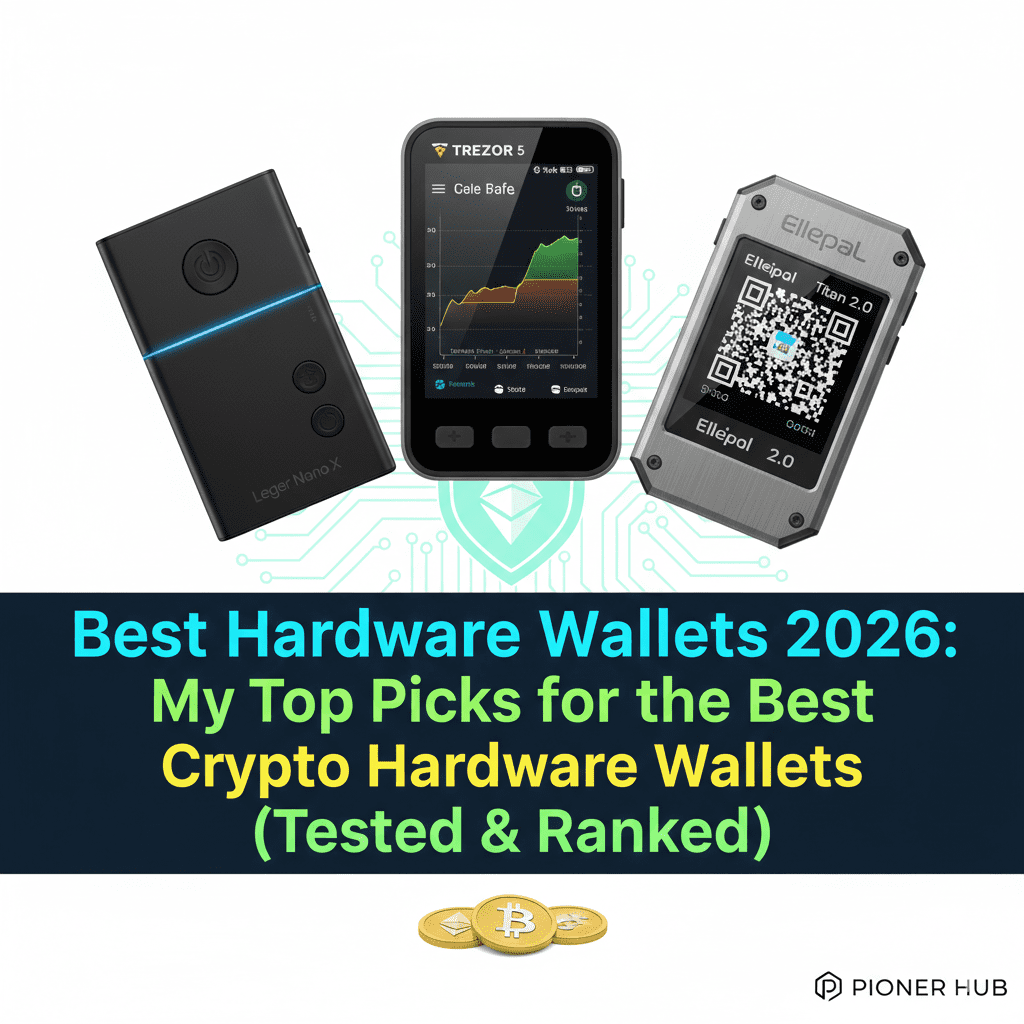
When it’s time to get serious, you need the best cold wallets. These are the “tanks” of the crypto world:
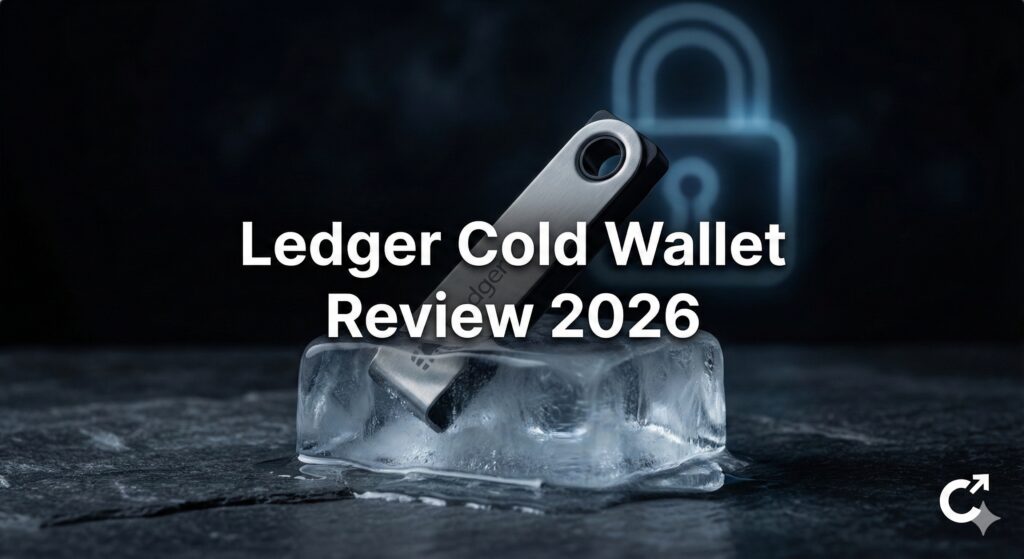
1. Ledger Nano X
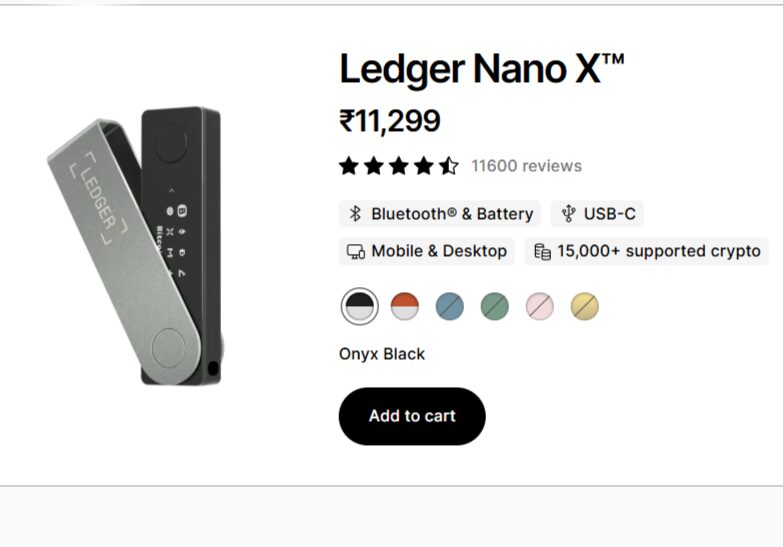
Ledger’s latest mid-range champion. It features a secure E-ink touchscreen and Bluetooth.
It is the most popular, the most supported, and arguably the most user-friendly ecosystem. If a new crypto app launches, you can bet it supports Ledger on day one.
Ledger, without a shadow of doubt, is one of the best cold wallets in the industry. Every crypto user should have one if they want to play long-term in the cryptocurrency world.
Ledger offers 5 models currently: Ledger Stax ($399), Ledger Flex ($249), Ledger Nano Gen5 ($149), Ledger Nano X ($119), and Ledger Nano S Plus ($79). Ledger Nano X is the mid-range option offering almost all the features required in the best hardware wallet.
Security
Uses a CC EAL5+ Secure Element chip. The private keys never leave the chip, even during a Ledger Nano X review test with infected computers.
Interface
Controlled via two physical buttons and the companion Ledger Live app. A standard Ledger Nano X review always mentions that the OLED screen is clear but small.
Crypto Supported
Over 13000 coins and tokens.
Check out 10 best crypto pre-sales 2026 that will explode – Where to Buy Presale Crypto
Earning Option
Ledger Live lets you stake directly (ETH, SOL, DOT) and manage your rewards in one place.
Check out The 10 Best Coins to Stake in 2026
Pros & Cons
Pros
- Huge Coin Support: It works with practically every token you can think of.
- Bluetooth Connectivity: The Nano X connects wirelessly, giving it a modern feel.
- Secure Element Chip: Bank-grade security chips protect against physical tampering.
Cons
- Closed Source: You cannot inspect the firmware code yourself, so you must trust Ledger.
2. Trezor Safe 3
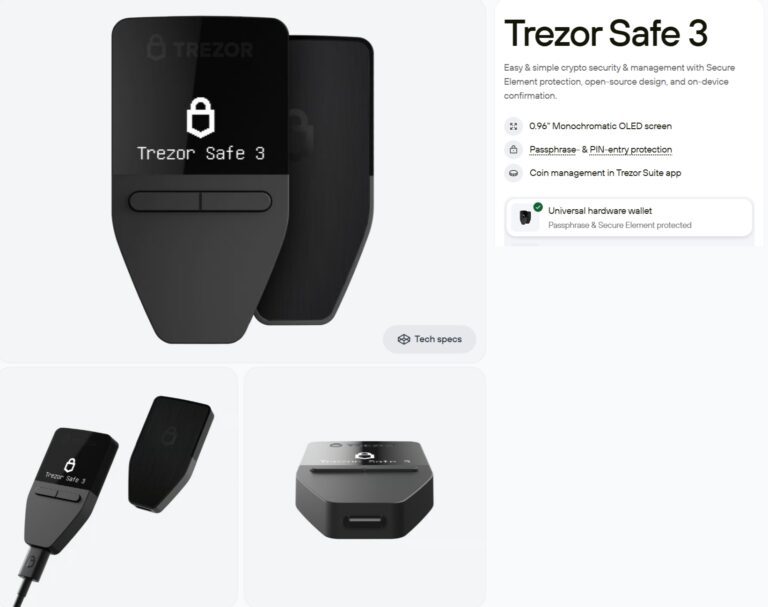
The gold standard for open-source fans. Trezor is one of the most popular and best cold wallets in the industry. It is certainly the cheapest cold wallet in the crypto wallet industry.
Trezor offers 3 models: Trezor Safe 3($59), Trezor Safe 5 ($129), and Trezor Safe 7 ($249)
Security
Features an EAL6+ Secure Element and is 100% open-source. It includes a “Multi-share” backup standard to prevent losing your keys.
Interface
A beautiful 1.54” color touchscreen with haptic feedback. It feels much more modern than older sticks.
Crypto Supported
1,000s of coins, though it famously lacks native support for some chains like Solana (requiring third-party apps).
Earning Option
Staking is available for ETH and Cardano directly through the Trezor Suite app.
Pros & Cons
- Pros
- Open Source: The code is public, allowing the community to verify its safety.
- Touchscreen: Entering your PIN on the device screen is much safer than on a computer.
- Reputation: It has a long, proven history of reliability in the market.
- Cons
- No iOS Support: It is less mobile-friendly for iPhone users compared to Ledger.
- Plastic Build: It feels lighter and less “premium” than metal competitors.
Buy Trezor wallet at 20% discount
Check out the Trezor wallet review
3. SecuX W10
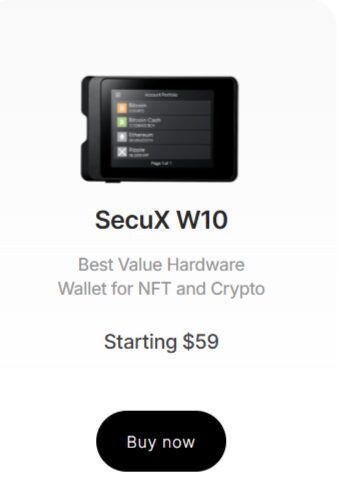
This vault-grade device is built with a diamond-shaped metal frame and a massive 2.8-inch color touchscreen. SecuX is one of the best cold wallets if you need a big screen.
Secux offers 4 models SecuX V20 & W20 (Starting $99), secux W10 (cheapest Starting $59), SecuX Nifty & Neo series ($199)
Security
Equipped with an Infineon CC EAL5+ military-grade chip. It features a dynamic keypad to prevent “screen-smudge” PIN theft.
Interface
The large circular touchscreen is the easiest to use in the industry. It’s basically a mini-tablet for your crypto.
Crypto Supported
Supports over 10,000 assets across 300+ different blockchains.
Earning Option
You can connect to DeFi apps via WalletConnect 2.0 to stake or lend assets.
Pros & Cons
- Pros
- Massive Screen: The large touchscreen makes it easy to verify addresses.
- Dual Connectivity: It works seamlessly with both USB and Bluetooth.
- Cross-Platform: Works smoothly on Windows, Mac, iOS, and Android.
- Cons
- Size: Its awkward shape makes it hard to carry in a pocket.
- Basic UI: The interface is not as polished as Ledger Live.
Buy Secux Wallet at 10% discount using the link
Use code – coinexpansion or buy using the above link (discount will be applied automatically)
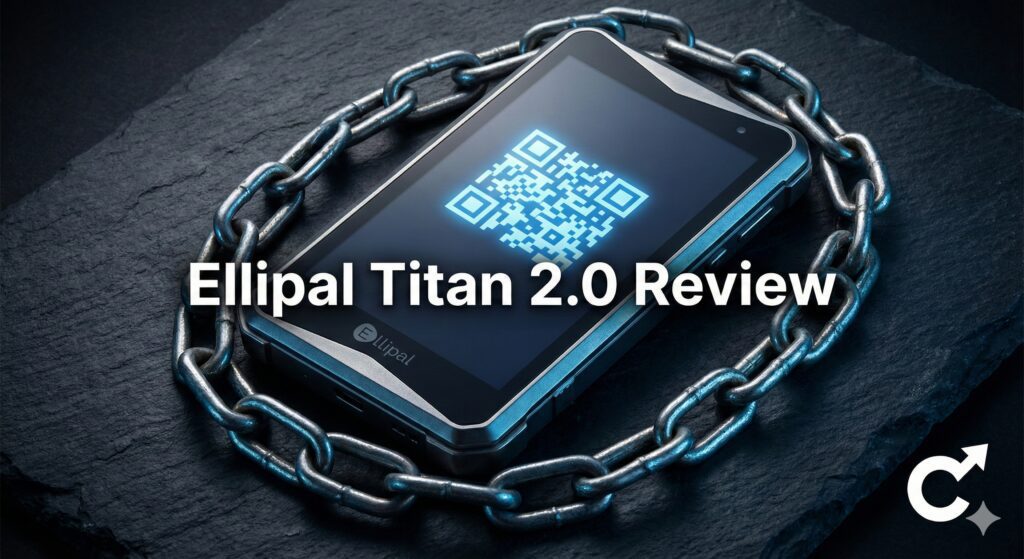
4. Ellipal (Titan 2.0, Titan mini)
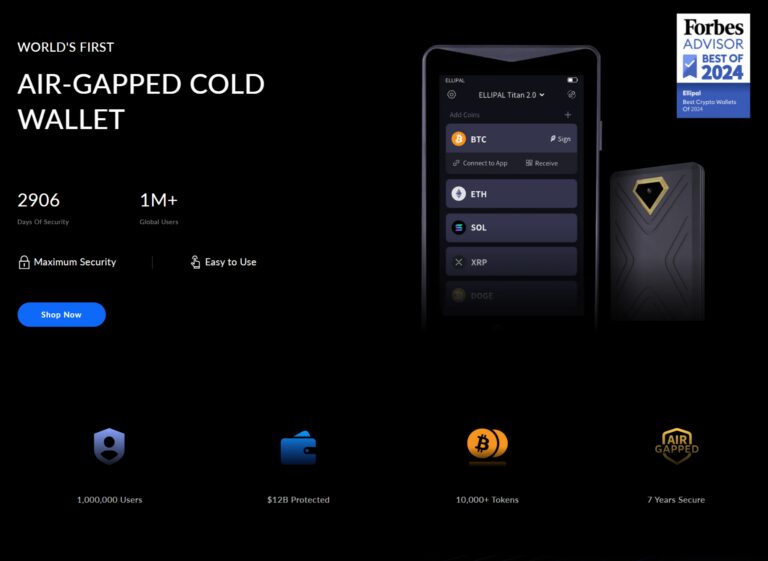
The Ellipal Titan is built like a tank. It is “Air-Gapped,” meaning it has no Bluetooth, no WiFi, and no USB ports. It communicates only via QR codes. If you want the best cold wallets for maximum isolation, this is it.
Elippal offers two models: Ellipal Titan 2.0 ($169) and Ellipal Titan mini ($79)
Security
100% offline. No WiFi, Bluetooth, or USB. It uses a CC EAL5+ chip and a self-destruct mechanism if the case is forced open.
Interface
Large 4-inch HD touchscreen. You sign transactions by scanning QR codes with its built-in camera.
Crypto Supported
10,000+ tokens across 40+ blockchains.
Earning Option
The Ellipal mobile app integrates with various staking and DeFi services via WalletConnect.
Pros & Cons
- Pros
- 100% Air-Gapped: Zero online connectivity means zero remote attack vectors.
- Big Touchscreen: The interface is large and easy to navigate.
- Anti-Tamper: The device self-destructs its data if physically broken open.
- Cons
- Bulky: It is larger and heavier than most other wallets.
Checkout Ellipal Titan 2.0 Review (2026)
Comparison: The Side-by-Side Breakdown
If you are still confused about the hot wallet vs cold wallet decision, let’s look at the specs.
Hot Wallet
- Cost: Free.
- Security: Medium (Vulnerable to malware/phishing).
- Best For: Trading, NFTs, small amounts ($0 – $1,000).
- Convenience: 10/10.
Cold Wallet
- Cost: $50 – $400+.
- Security: High (Offline storage).
- Best For: HODLing, Savings, large amounts ($1,000+).
- Convenience: 4/10.
The Hybrid Strategy: Why Not Both?
At the end of the day, you don’t have to choose just one. In fact, most people who have been in this space for a while use a hybrid approach.
I use a hot wallet and cold wallet every single day. Here’s how I set mine up, and you can copy this if you want.
My “Checking Account” (Hot): I keep about 10% of my portfolio in a hot wallet on my phone. This is my “play money.” If I see a cool new coin I want to gamble on, I use this. It’s fast, easy, and convenient.
My “Savings Account” (Cold): The other 90% goes straight to my cold storage. I treat that thing like a black hole. This strategy gives me the convenience of the hot wallet vs cold wallet world while keeping the bulk of my wealth secure.
Security: The “Seed Phrase” is Everything
With crypto, you’re the bank. There’s no password reset button. Whether you choose a hot wallet vs cold wallet, you’ll get a “seed phrase.”
This list of words is literally your money. I know a trader, let’s call him Dave, who lost a lot because he took a screenshot of his seed phrase.
A hacker got into his cloud storage and emptied his wallet in minutes. In this type of case, a hot wallet vs cold wallet option didn’t matter because he gave away the keys.
How to stay safe: Write those words down on paper or engrave them in metal. Hide that backup somewhere safe, like a fireproof safe.
Conclusion
But you know, at the end of the day, the hot wallet vs cold wallet debate isn’t about finding one perfect winner. It’s about building a system that fits your life. I learned the hard way that trying to manage everything from a single app is a recipe for anxiety, and keeping everything on a hidden USB stick makes you miss out on the fun parts of the ecosystem.
By using a hot wallet and cold wallet together, you get the best of both worlds. You have your “spending cash” ready for a quick trade on one of the best trading platforms like Binance, while the bulk of your wealth sits untouched and unhackable in the best cold wallets like a Ledger or Trezor.
It’s about sleeping soundly while still being part of the action. In 2026, being your own bank is a massive responsibility, but as long as you keep your seed phrase offline and use the best hot wallets for only what you need, you’re already miles ahead of most investors.
So, take that first step, set up your hybrid system, and enjoy the peace of mind that comes with knowing your digital future is actually secure.
The market moves fast. Don’t go it alone, join the Pioneer Hub, and let’s grow together.
Frequently Asked Questions (FAQ)
Q: Can I use both at the same time?
A: Absolutely! Think of the hot wallet and cold wallet as a checking and savings account combo.
Q: Should I get a hot wallet for my crypto portfolio of $1,000?
A: Absolutely yes, it also depends on your risk tolerance, but for long-term peace of mind, you should at least get one of the best cold wallets