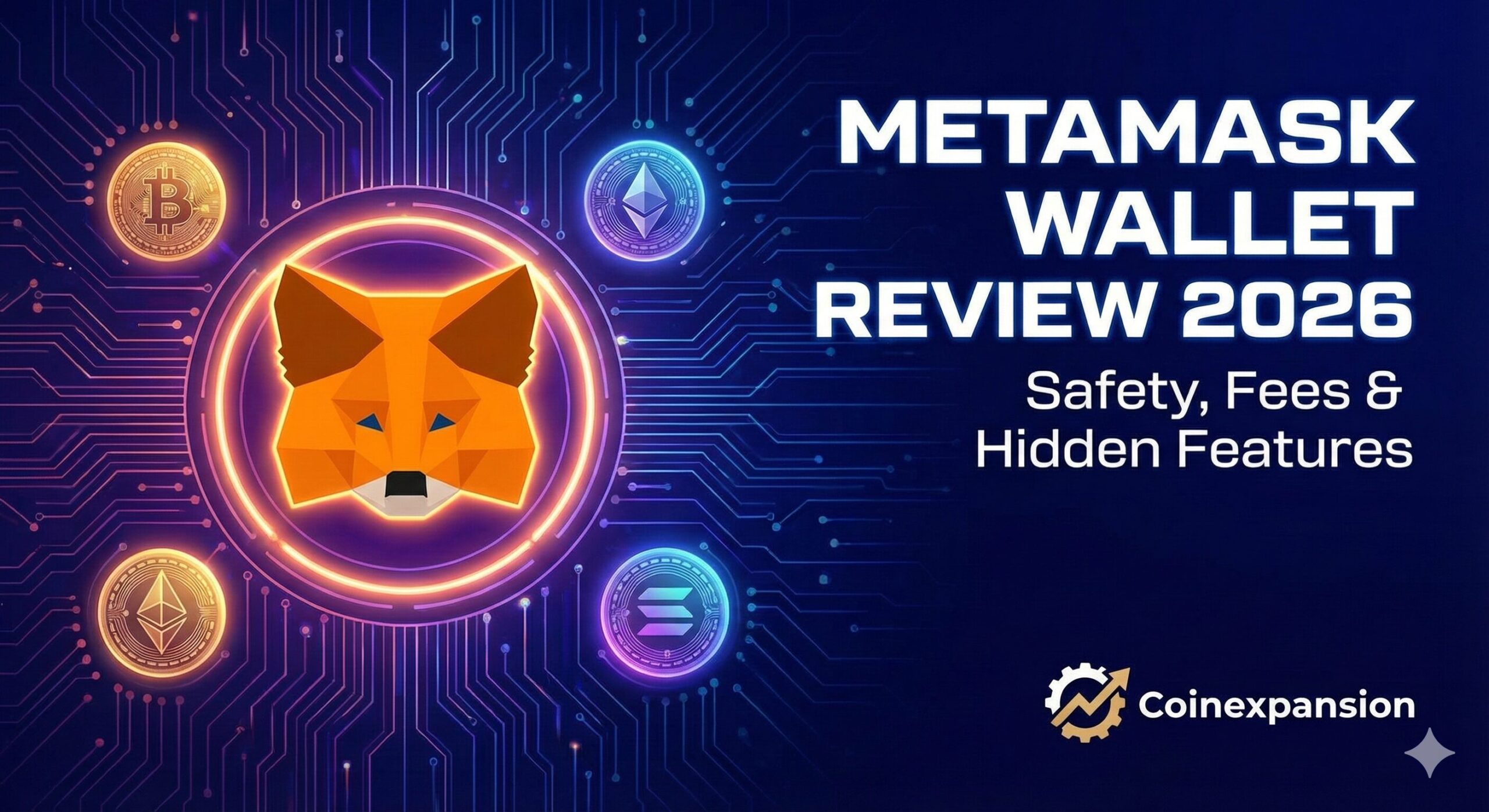
MetaMask Wallet Review 2026: Safety, Fees & Hidden Features
You know that little orange fox that follows your mouse cursor around the screen? If you have been in crypto for more than five minutes, you know exactly who I am talking about. I remember the first time I installed MetaMask years ago.
I spent way too much time just moving my mouse back and forth. I was watching the fox’s head turn. It was cute. But then I tried to make my first transaction. The cuteness wore off fast. I was sweating bullets. I was terrified I was going to click the wrong button and send my money into the void.
That fear is real. And honestly, it hasn’t gone away for a lot of people. But here we are in 2026. That little fox is still the king of the jungle. Or is it?
With so many new wallets popping up, I decided to take a fresh look. I spent the last week using only MetaMask for everything. I did trading, buying NFTs, and even spending crypto. I wanted to write this honest MetaMask wallet review 2026. I wanted to see if the old dog, or fox, has learned some new tricks.
Key Takeaways
- Native Bitcoin Support: You can finally hold BTC directly in MetaMask alongside your Ethereum.
- High Swap Fees: Convenience comes at a cost; in-app swaps charge a hefty 0.875% fee.
- Security is on You: It is a hot wallet, so your safety depends entirely on how well you guard your seed phrase.
- Snaps Customization: You can add plugins to support other chains like Solana or add extra security alerts.
- Universal Access: It remains the most widely supported wallet for connecting to almost any crypto website.
What Actually is MetaMask?
Let’s strip away the tech talk. Imagine MetaMask is a digital wallet that lives in your web browser. It is like having a leather wallet in your back pocket. But instead of cash and credit cards, it holds Ethereum and other digital coins.
For years, it was just a tool to connect to websites. You would go to a site like Uniswap or OpenSea. You would click “Connect.” And boom, you were logged in. It was the passport to the decentralized internet.
But in 2026, it has become a lot more than just a connector. It’s trying to be a “super app.” It wants you to do everything without ever leaving the wallet.
If you are reading this MetaMask wallet review 2026, you are probably wondering if it’s beginner-friendly. The answer is mostly yes. It’s not as simple as a banking app. But it is the standard. Learning to use MetaMask is like learning to drive a car. It’s scary at first. But once you get it, you can drive almost anywhere.
The Big 2026 Update: Bitcoin is Finally Here!
Okay, I have to start with the biggest news. For years, MetaMask had one huge flaw. It only worked with Ethereum and “Ethereum-like” chains.
If you wanted to hold Bitcoin, you had to get a completely different wallet. It was annoying. I hated juggling two different apps just to check my portfolio. But recently, they finally fixed it. MetaMask now supports native Bitcoin.
This is a game-changer. You can now hold your orange Bitcoin right next to your Ethereum in the same dashboard. You don’t need “Wrapped Bitcoin.” You get the real deal.
During my testing for this MetaMask wallet review 2026, I sent some BTC from an exchange to my MetaMask. It arrived smoothly. Seeing it sit there next to my ETH felt weirdly satisfying. It feels like the walls between different blockchains are finally crumbling.
Setting It Up: The Scary Part
Let’s grab a coffee and talk about the setup process. This is where people mess up. When you install MetaMask, it will give you a “Secret Recovery Phrase.” This is a list of 12 random words.
I cannot stress this enough. This list is your money.
There is no “Forgot Password” button here. If you lose these words, your money is gone forever. If you give these words to a scammer, your money is stolen instantly.
When I set up a fresh wallet for this review, I wrote the words down on a piece of paper. I locked it in my drawer. Do not take a screenshot. Do not save it in a Google Doc. Hackers love finding those files. The setup itself is fast. It takes maybe two minutes. But the responsibility lasts forever.
Features: More Than Just Storing Coins
So, once you are in, what can you actually do?
1. Swapping Tokens You can trade one coin for another directly inside the app. For example, I swapped some Ethereum for a stablecoin like USDC. It was super easy. I didn’t have to go to an exchange.
However, I have to be real with you. It’s expensive. MetaMask charges a “service fee” of 0.875% on every swap. That doesn’t sound like much. But if you trade $1,000, that’s nearly $9 gone just for the convenience.
2. The MetaMask Card This is a newer feature. They launched a debit card that lets you spend your crypto in the real world. I haven’t used this daily, but the idea is cool. You can buy a coffee with your crypto gains without having to transfer money to your bank first.
3. Snaps (The Secret Weapon) This is my favorite part. “Snaps” are like little plugins you can add to your wallet. Imagine adding an extension to your browser, but it’s for your wallet.
You can add a Snap that warns you if a transaction looks like a scam. You can add a Snap to support other blockchains like Solana. It makes the wallet customizable. If you are a power user, you will love this. If you are a beginner, you can mostly ignore it, and that’s fine too.
Security: Is It Safe?
This is the main reason you are reading a MetaMask wallet review 2026, right? Is your money safe?
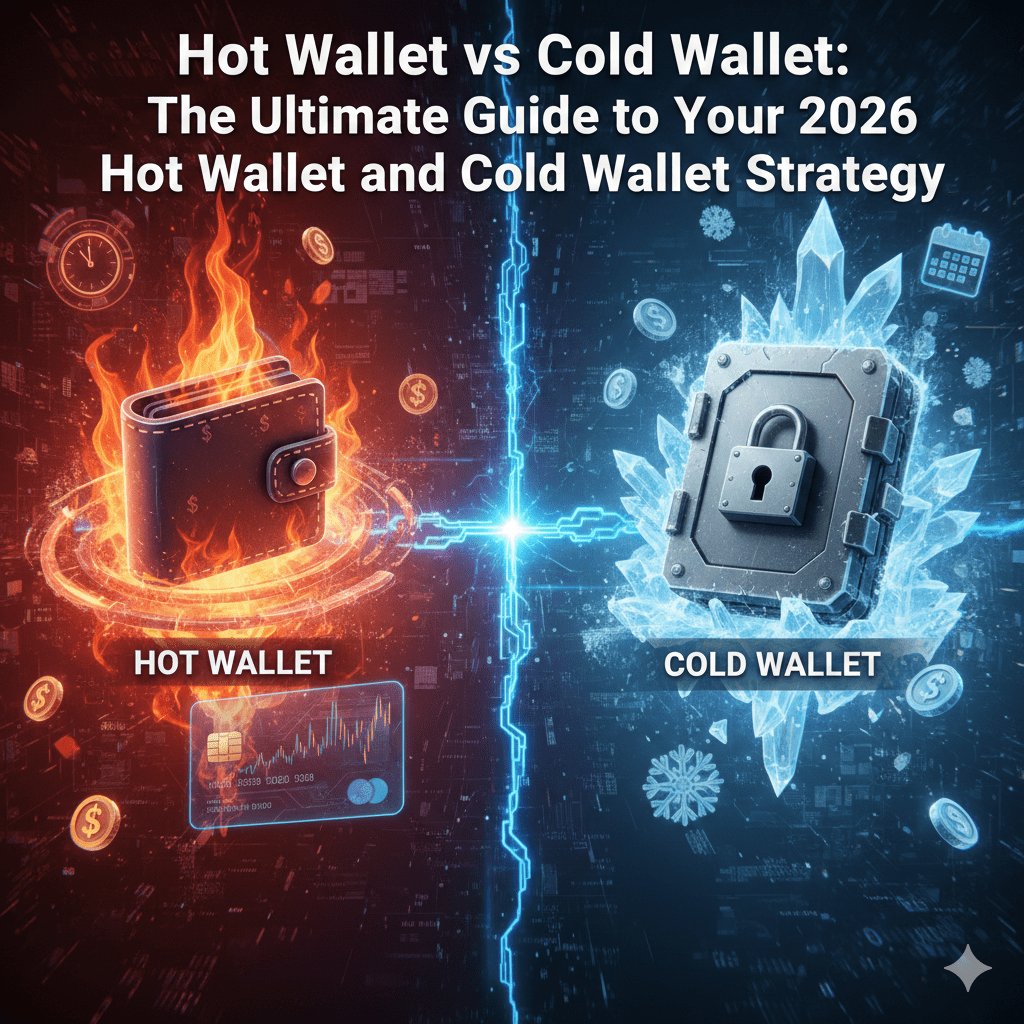
Here is the truth. MetaMask is a “hot wallet.” That means it is connected to the internet. Because of that, it will never be as safe as a “cold wallet” like a Ledger device that sits offline.
But is it safe enough? MetaMask has stepped up its game. They now have better warnings when you are about to do something risky. For example, if you try to send money to a known scam address, a bright red warning pops up saying, “Hey! This looks bad!”
However, the biggest risk isn’t the software. It’s you. I know, that sounds harsh. But most people lose money because they click a bad link. Or they give away their seed phrase. They don’t lose money because MetaMask got hacked. If you are careful, it is very secure. If you click every link you see on Twitter, you might be in trouble.
Mobile App vs. Browser Extension
I use both. The browser extension on Chrome is fantastic. It’s fast. The fox looks great. And it connects to everything.
The mobile app? It’s okay. It has gotten better, but it can still be a bit clunky. Sometimes it takes a few seconds to load my balance. Sometimes the browser inside the app freezes.
It’s functional, but I definitely prefer using it on my laptop. If you are mobile-only, just be prepared for a slightly slower experience.
The Competition: Why Not Use Something Else?
In 2026, MetaMask has rivals. The biggest one is a wallet called “Rabby.” Rabby is designed for people who trade a lot. It has better security scanning. It tells you exactly what a transaction will do in plain English.
So why stick with MetaMask? Trust.
MetaMask is owned by Consensys, a massive company. They have hundreds of developers. It feels like the “standard” option. If a new website launches, it will definitely support MetaMask. It might not support the others. For this MetaMask wallet review 2026, I have to say that reliability is its biggest selling point. It just works. Everywhere. Every time.
Pros and Cons: The Quick Breakdown
Pros:
- Universal: It works with almost every crypto website in existence.
- New Bitcoin Support: Finally, you can keep BTC and ETH in one place.
- Snaps: Infinite customization with plugins.
- Self-Custody: You own your money, not a bank.
Cons:
- High Fees: The 0.875% swap fee is pricey compared to other options.
- No Native 2FA: You can’t just turn on “email verification” for transactions.
- Customer Support: It’s mostly automated. Don’t expect a phone number to call if you get stuck.
Who is MetaMask For?
If you are diving into NFTs, DeFi, or just want to explore the decentralized web, you need MetaMask. It is the entry ticket. Even if you use other wallets later, you will probably start here.
It is perfect for the person who wants to actually use their crypto. It is not just for people who want to hoard it.
Wrapping It Up
So, is the fox still worth it? Absolutely. It might not be the shiny new toy anymore. It might have high fees if you swap inside the app. But it is the most reliable, widely supported wallet on the planet.
The addition of Bitcoin support in late 2025 really sealed the deal for me. It shows they are still listening to users.
If you are new to this, download it. Write down that seed phrase on paper! Start with a small amount. Play around with it. Send $10 to a friend. Once you get comfortable, you will understand why millions of people trust this little orange fox with their billions of dollars.
Just remember one thing. You are the bank now. Be careful. Stay safe. And enjoy the ride.
Frequently Asked Questions
Is MetaMask safe for beginners? Yes, but you have to be responsible. Since there is no bank to call if you lose your password, you need to be very careful. Start with small amounts until you feel confident.
Does MetaMask charge fees? Downloading and storing crypto is free. However, if you use the “Swap” button inside the wallet to trade tokens, they charge a 0.875% fee. You also have to pay network “gas fees,” which go to the blockchain miners, not MetaMask.
Can I hold Bitcoin on MetaMask now? Yes! As of late 2025, MetaMask supports native Bitcoin. You can send, receive, and hold regular Bitcoin directly in the wallet without needing “wrapped” versions.
What happens if I lose my computer? As long as you have your 12-word Secret Recovery Phrase written down, you are fine. You can just install MetaMask on a new computer. Enter those 12 words, and all your money will reappear instantly.
Is MetaMask better than Coinbase Wallet? They are different. Coinbase Wallet is great if you already use the Coinbase exchange. MetaMask is better if you want to use a wider variety of decentralized apps.